Call Center
Home → Call Center (/call_center) is the phone log. Calls are written by your phone system (or by click-to-call). There is no Add button. You do not type a call in by hand.
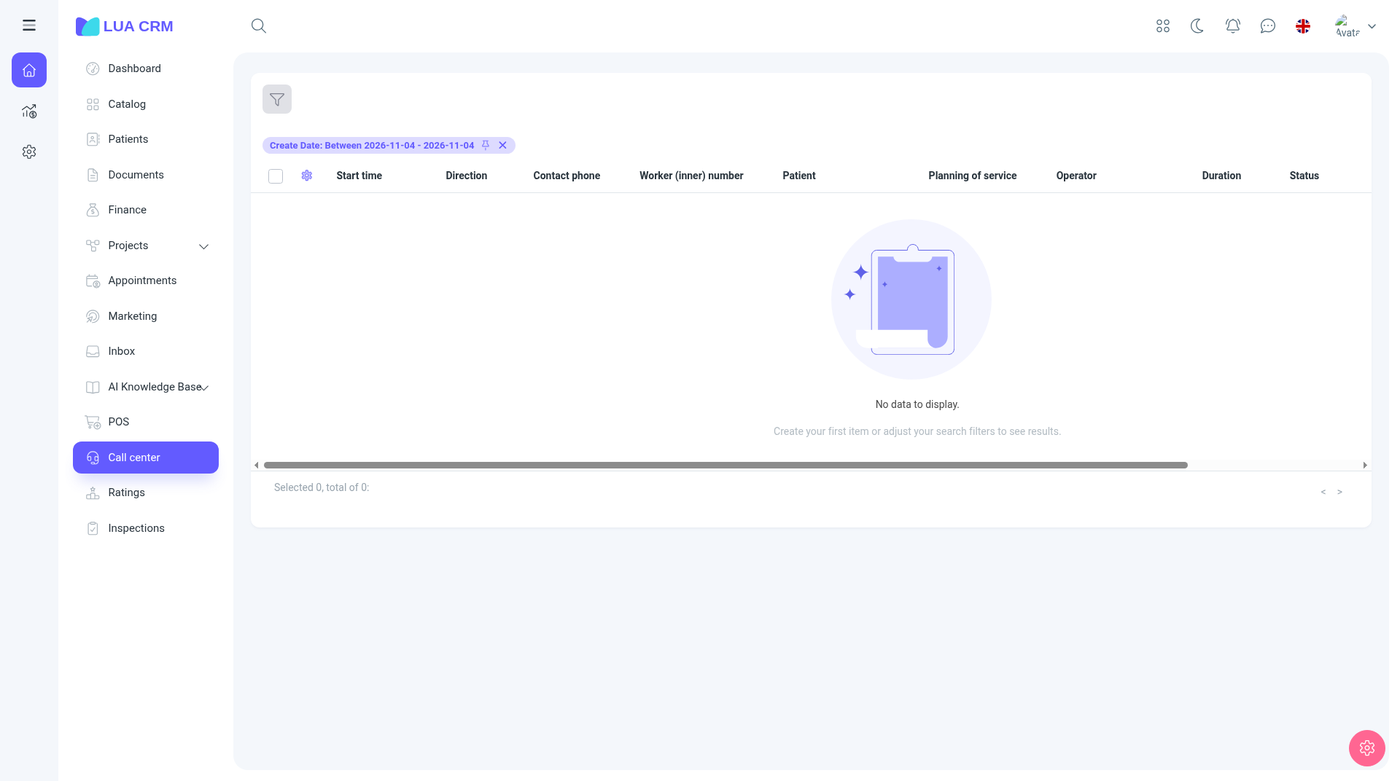
Open it to see who called, who answered, how long it lasted, and whether a request was created. Connect the phone system under Integrations → Telephony.
Columns
| Column | Meaning |
|---|---|
| Start | When the call started |
| End | When it ended. Hidden until you show the column |
| Direction | Inbound or outbound |
| Phone | The customer’s number |
| Internal number | The extension that handled it |
| Customer | The contact matched to that phone, when one exists |
| Request | The project request linked to the call |
| Dismiss reason | Why a prompt was closed without a request. Hidden by default |
| Responsible manager | The contact’s manager. Hidden by default |
| Operator | The employee on the call |
| Duration | Length of the call |
| Status | How the call ended. See below |
| Recording | A link to the recording, when the phone system sent one |
| Created on, Created by | Hidden by default |
Call status
| Status | Meaning |
|---|---|
| Ringing | Still alerting, or the log was saved while it was ringing |
| Answered | Someone picked up |
| Transferred | Passed to another extension |
| Voicemail | Went to voicemail |
| No answer | Rang out |
| Busy | The line was busy |
| Failed | The call did not connect |
| Cancelled | The caller or the system hung up before an answer |
| Other | A result the phone system sent that is none of the above |
Create a request from a call
When a call should become work, open a request from the row. If you can create requests on more than one project, Lua CRM asks which project. The new request uses the lead-style fields (contact, phone, source). Incoming calls can set the source to the incoming-call source when that source exists in your list. You need permission to create requests on that project. The call row then shows the request.
Filter
| Filter | Options |
|---|---|
| Created date | A range |
| Phone | Contains or equals |
| Internal number | Contains or equals |
| Direction | Inbound or outbound |
| Status | Any status in the table above |
Permissions
Call Center is view and print only. You cannot create, edit, or delete calls inside Lua CRM. Fix a wrong number or a missing recording in the phone system, then let the next sync update the log. Export or print needs the print right.
Tips and common problems
- The list is empty: telephony is not connected, or the webhook is not reaching Lua CRM. Check Integrations.
- The customer cell is blank: no contact has that phone number. Add the number on the contact, and later calls can match.
- There is no recording link: the provider did not send one for that call.
- You cannot add a request: you cannot create requests on any project, or the only project is the untouched default project.