Logs (Audit log)
Reports → Logs (/reports/audit_logs) is the history of changes: who did what, on which record, and from where. Open it when a balance, a document, or a contact looks different from yesterday and you need the person and the time.
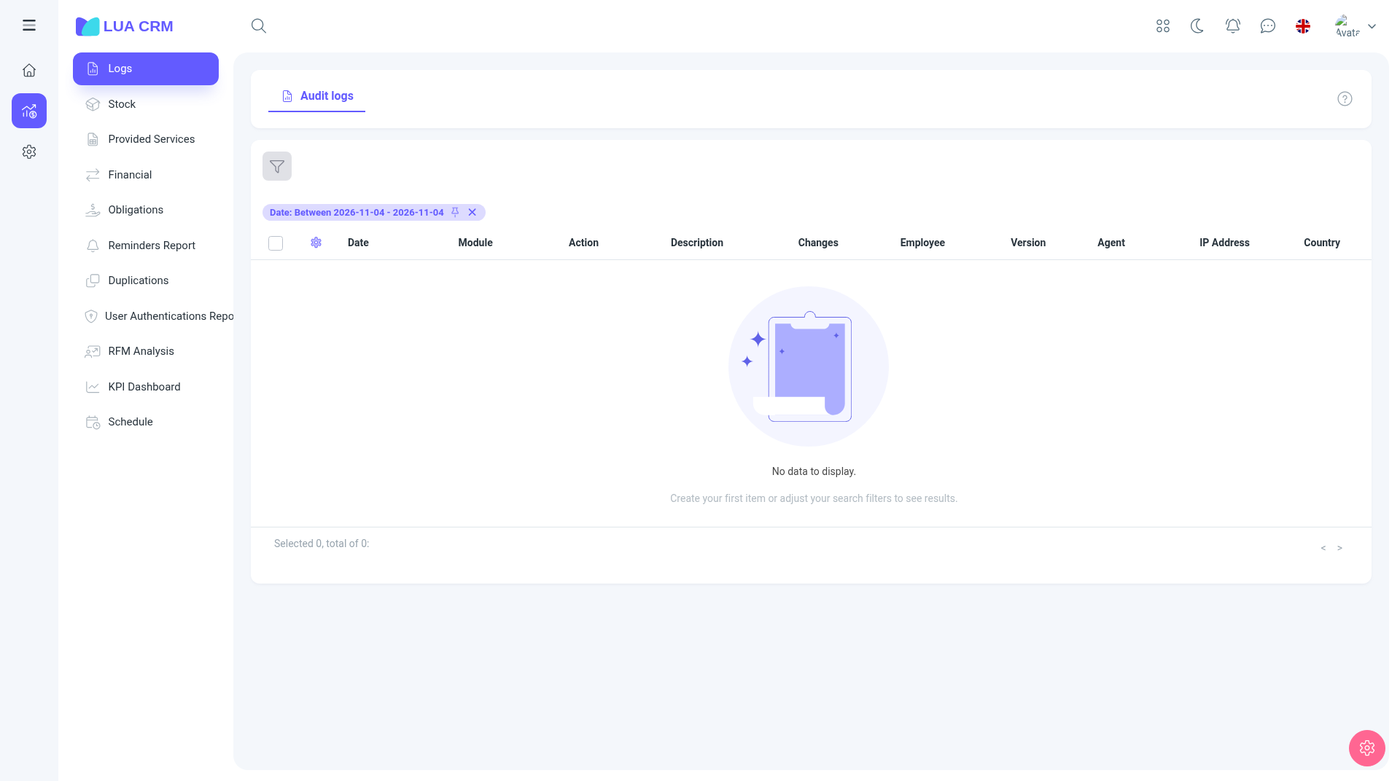
You cannot edit a log row. The log is written when someone creates, edits, deletes, confirms, or signs in, depending on the module.
Columns
Date, module, action, description, the field changes, employee, version, browser, IP address, and country. Use the date filter to limit the range. The default view is the recent activity.
How to read a row
- Filter the date to the day you care about.
- Filter the module (contacts, documents, finance, and so on) if the list is long.
- Read Changes for the old value and the new value.
- Use the employee, browser, and IP when you need to see whether it was that person or a shared login.
Document and finance confirmations, contact edits, and rating changes are the rows people look up most often. A deleted record still has its log.
Permissions
The audit log uses a single Has access switch, plus print. There is no create or edit. People without access do not see Logs in the Reports menu, and the audit tab on a record stays hidden for them too.
Tips
- A missing row usually means the action never saved, not that the log failed.
- IP and country come from the sign-in and the request. A VPN changes what you see.
- Print or export needs the print right.