Document products
Reports → Document products (/reports/document_items) lists the lines inside documents, not the document headers. Use it when you need “how many of this service did we sell” or “which purchases included this material,” instead of opening every document.
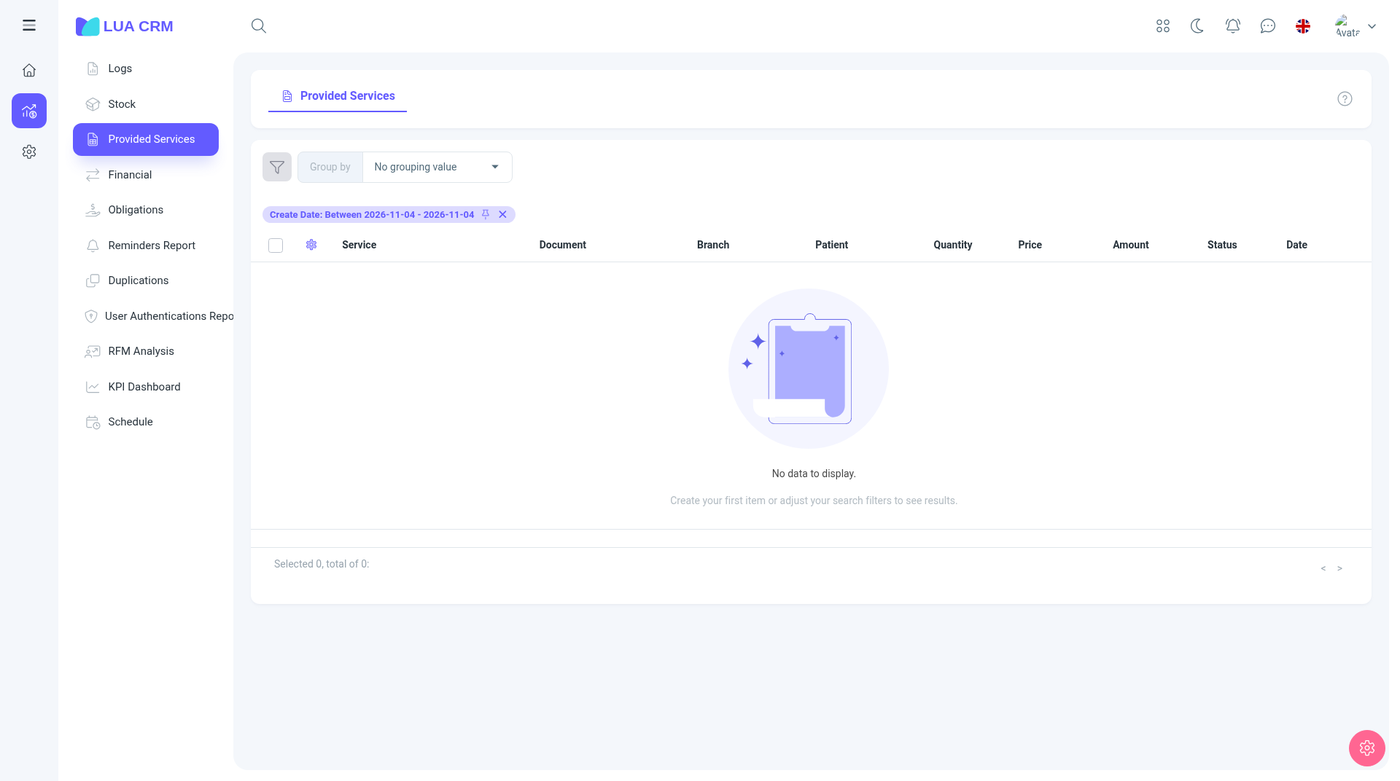
Each row is one line: the item, the document it sits on, the quantity, the amounts, and the customer or supplier. Open the document from the row when you need the header, the payment, or the status.
Confirmed lines are the ones that affected stock and balances. Draft lines can still appear when you are not filtering to confirmed documents. Check the document status before you treat a quantity as posted.
What you can do
- Filter by the period, the document type (sale, purchase, return, adjustment, transfer, order, manufacturing), the item, the contact, the branch, and the department.
- Export or print when your role has print on this report.
- Use it next to Warehouse when the stock figure needs an explanation. Warehouse is the balance. This report is the movements that created it.
View can be limited to your department when the role uses department records. You will not see lines from other departments.
Permissions
View and print only. Creating or editing a line is done on the document, and it follows document permissions, including confirm.
Tips
- A line missing from an “all sales” total is often a draft, a cancelled document, or another department.
- Returns show as their own document type. They reduce the net sold quantity. Do not add them to sales if you want a net figure. Subtract them.