Other
Custom / additional fields
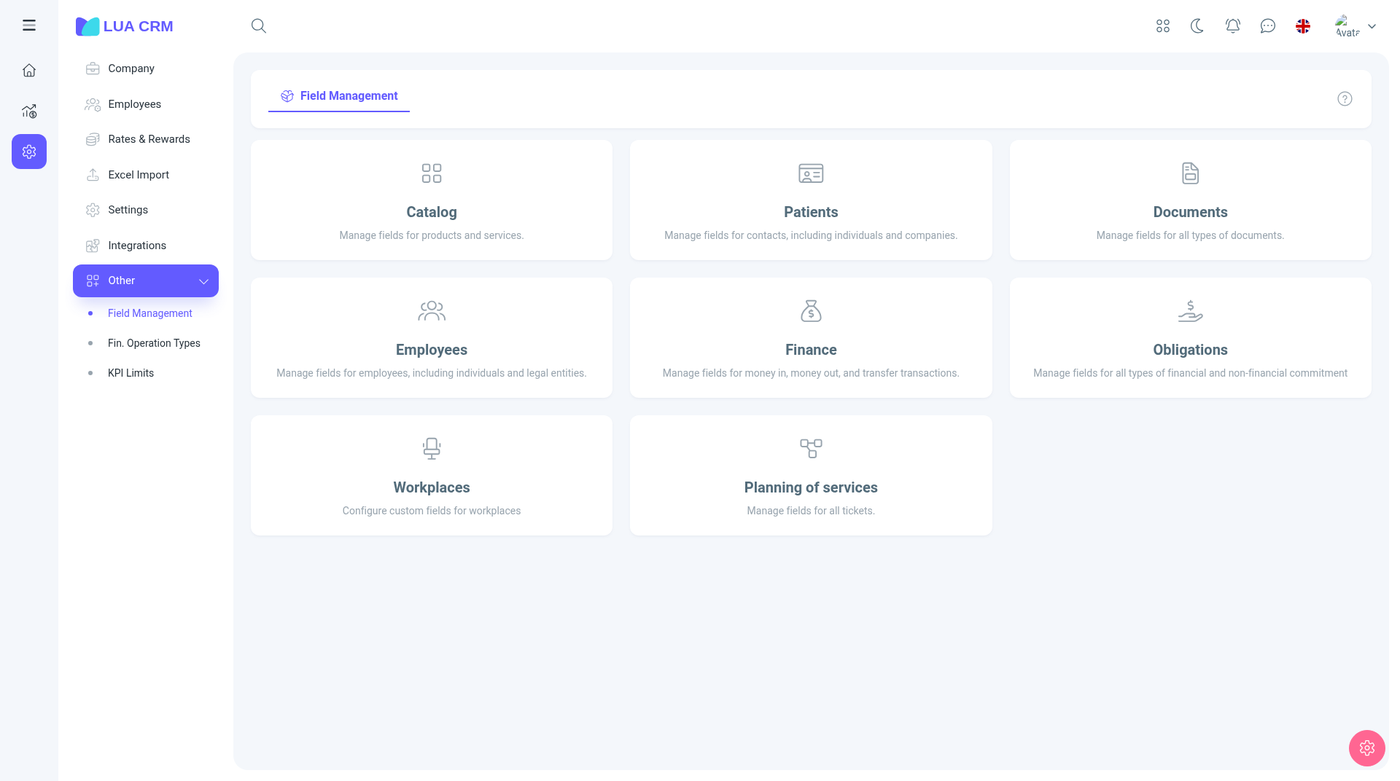
Path: /fields. The cards are Catalog, Contacts, Documents, Employees, Finance, Obligations, Workplaces, and Requests.
How to add a field, which types exist, and how to turn on a field that is hidden by default is in Custom fields. Column show and hide on a list is separate and is saved per person. See Data tables.
Financial transaction types
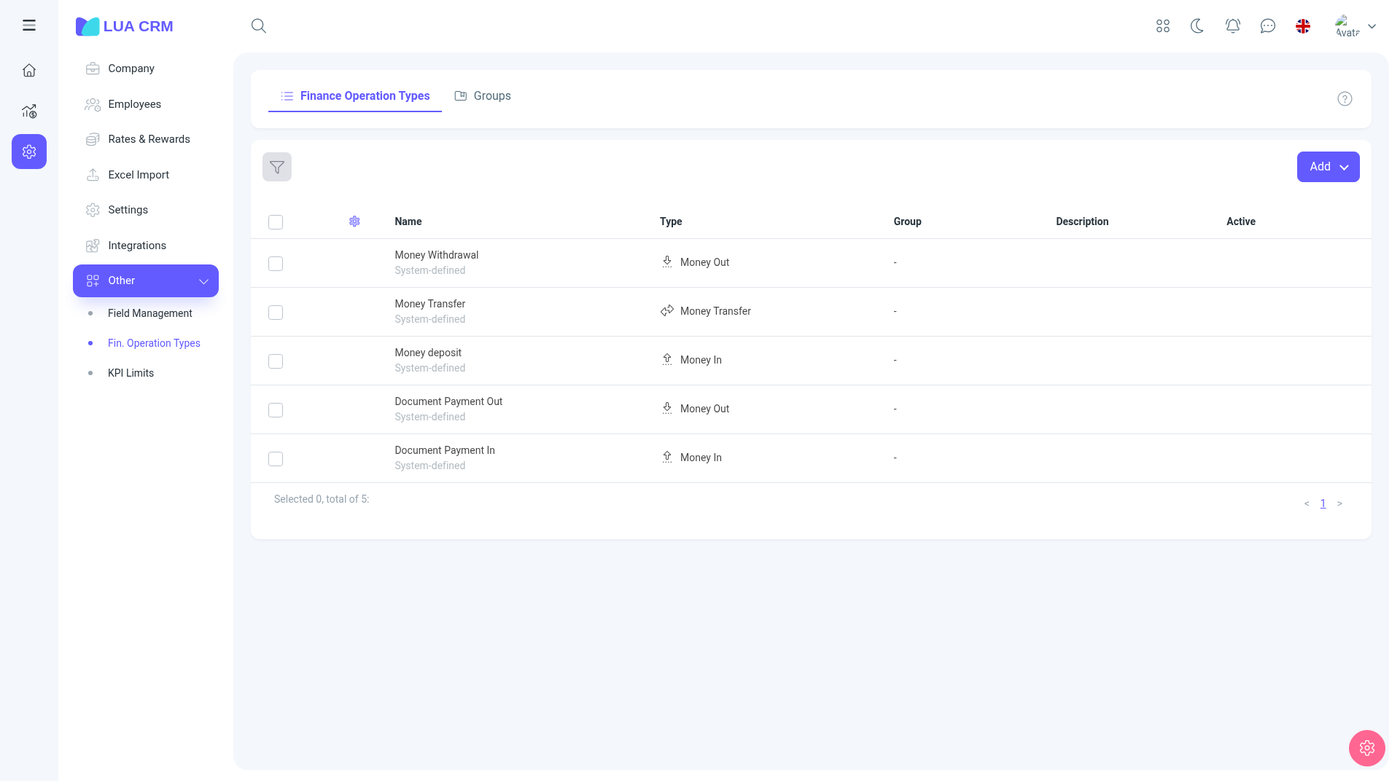
Path: /finance/operation_types. Tabs: Financial Transaction Types and Groups. System-defined rows (e.g. Money Withdrawal, Money Transfer, Money deposit, Document Payment Out, Document Payment In) with Type (In/Out/Transfer), Group, Description, Active. Add button.
Built-in types include money in, money out, transfer, and the document payment types. You can deactivate a type you do not use. You should not delete a type that already appears on old transactions. Deactivate it instead, so history still has a name.
Add a type
| Field | Required | Meaning |
|---|---|---|
| Name | Yes | What cashiers see in the operation-type list |
| Direction | Yes | In, out, or transfer. This decides which Add action in Finance offers the type |
| Group | No | A folder from the Groups tab, so a long list can be filtered |
| Description | No | Internal note |
| Active | No | On by default. Inactive types disappear from the finance form |
The Groups tab is only folders for these types: a name and, where the form offers it, a parent. Groups do not post money.
You need view, create, edit, delete, and print on operation types to maintain this list. Finance users only see types that are active and match the direction they are allowed to create.
KPI limits
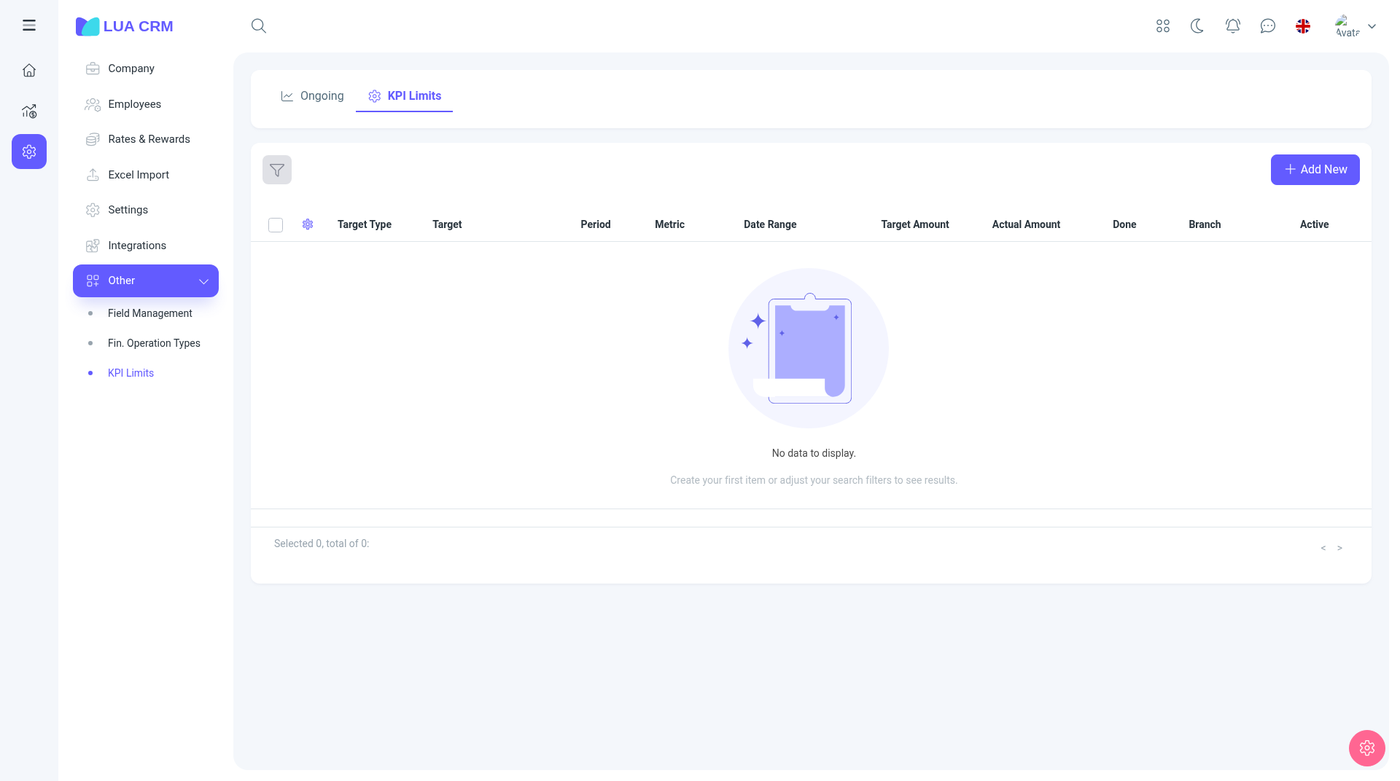
Path: /kpi_limits. + Add New. Columns: Target Type, Target, Period, Indicator, Date Range, Target Amount, Actual Amount. Example: User Lucas Bennett, Weekly, Total Sales, 25,000 $ target.