Finance operation types
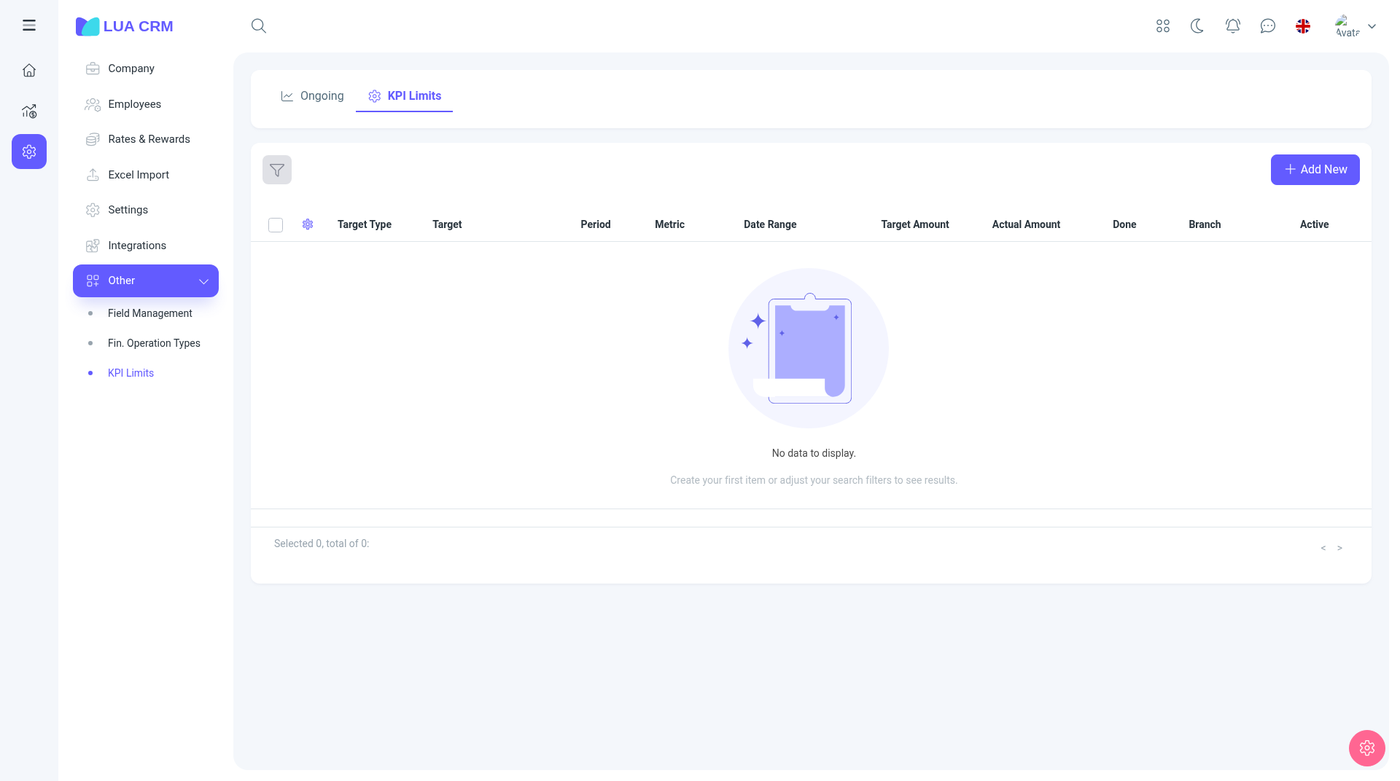
Path: Settings → Other → Fin. operation types (/finance/operation_types). The same list is linked from Other.
You need the operation-types permission (view, create, edit, delete, print) to maintain this list.
Two tabs:
| Tab | Opens |
|---|---|
| Finance operation types | This list (account_operation_types) |
| Groups | /groups?module=5, when the signed-in user can open module 8 |
Add a type
Add is a menu, not a single form.
| Menu item | Direction stored |
|---|---|
| Money in | money_in |
| Money out | money_out |
| Money transfer | money_transfer |
| Section (group) | Opens the groups form for module 5. A group does not post money |
The direction is chosen by that menu. The form’s hidden type starts as cash_in, which is not a valid stored value. The page script replaces it with money_in, money_out, or money_transfer before the form opens. You do not pick the direction again inside the form.
| Field | Required | Default | Notes |
|---|---|---|---|
| Name | Yes | Empty | Up to 100 characters. What the finance form shows |
| Color | No | Empty | Color picker beside the name. Stored as up to 7 characters. Not a list column |
| Group | No | Empty | A group from module 5. Clearable |
| Description | No | Empty | Up to 255 characters |
| Active | No | Checked | Switch, value 1. Finance pickers that filter status = 1 hide inactive types. This list still shows them |
Filters on the list: name (contains or equals), description (contains or equals), type (money in, money out, money transfer), group, performed by, and status (active or inactive).
Columns: name, type, group, description, and active. ID, date, and performed by are available and hidden until you show them.
A new database ships five rows with added_by = 0:
| Id | Seed name | Direction |
|---|---|---|
| 1 | Money Deposit | money in |
| 2 | Money Withdrawal | money out |
| 3 | Money Transfer | money transfer |
| 4 | Document Payment In | money in |
| 5 | Document Payment Out | money out |
The list treats added_by = 0 as system-defined. Those rows lose edit, delete, and the active switch. A server check that refuses the delete was not found next to that formatter, so the block is the list UI. The main finance picker loads active types except ids 4 and 5. The finance canvas loads every active type.
Groups
Section and the Groups tab open Field Management. Name is required. Parent Group starts at No parent. Color sits beside the name. Image and Add description are optional. Active starts on. The hidden module is 5. A group does not post money.
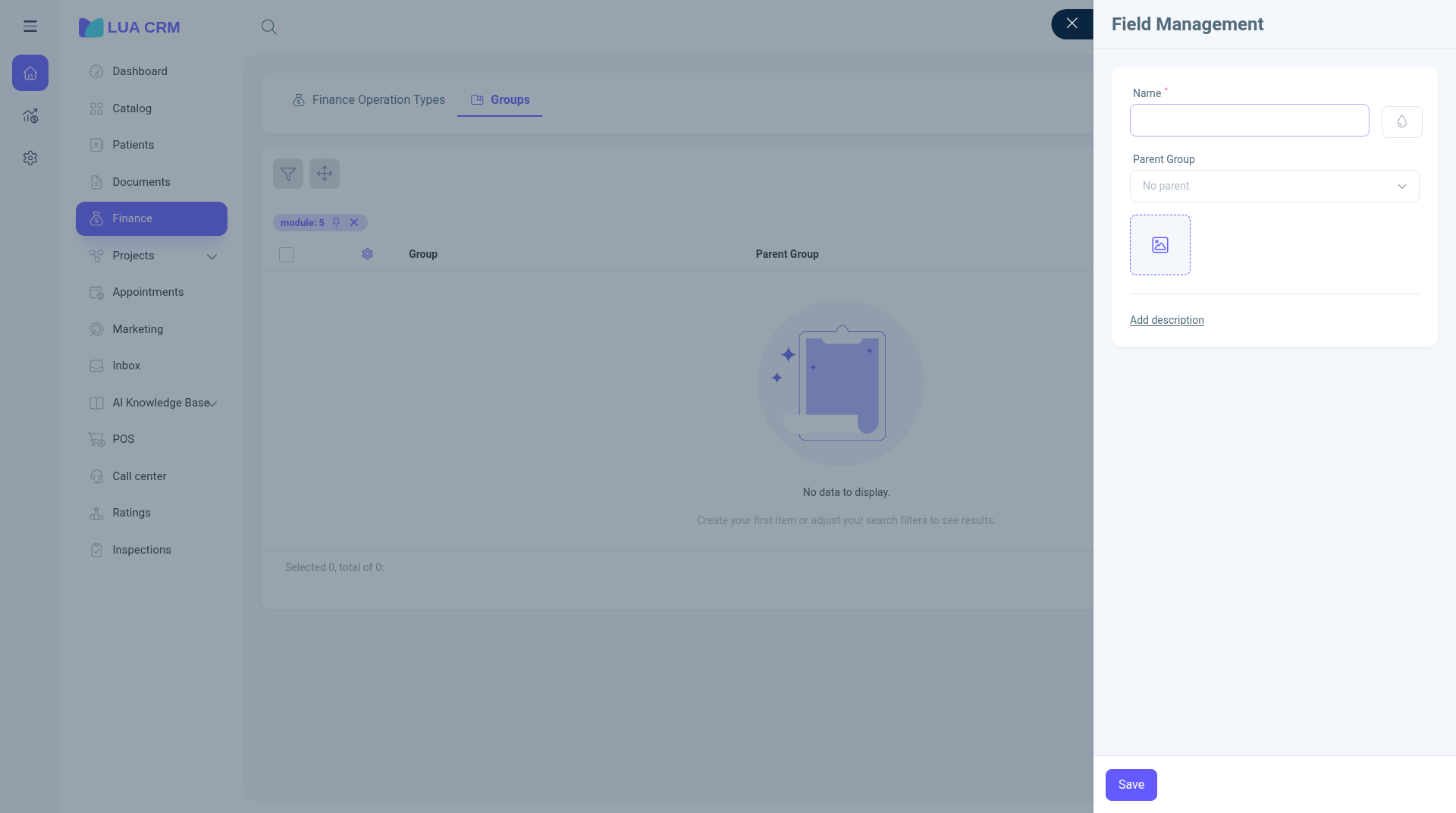
Save uses the Groups permission (module 8). A role that can create, edit, or delete Groups can save this dialog. Catalog groups (module 1), contact groups (module 3), and knowledge-base groups (module 47) keep their own checks.
Finance offers a custom type when it is active and its direction matches the action. See Finance.
How to add a cash-out reason
- Open Settings → Other → Fin. operation types.
- Choose Add, then Money out.
- Enter a name. Optionally pick a color and a group. Add → Section creates a folder when you can create Groups. Leave the group empty when the type should stay ungrouped.
- Leave Active on and save.
- In Finance, Add → Money out offers that name.