Currencies and exchange rates
Path: Settings → Configurations → Currencies & exchange rates (/settings). This is a section of Configurations, not a separate menu item.
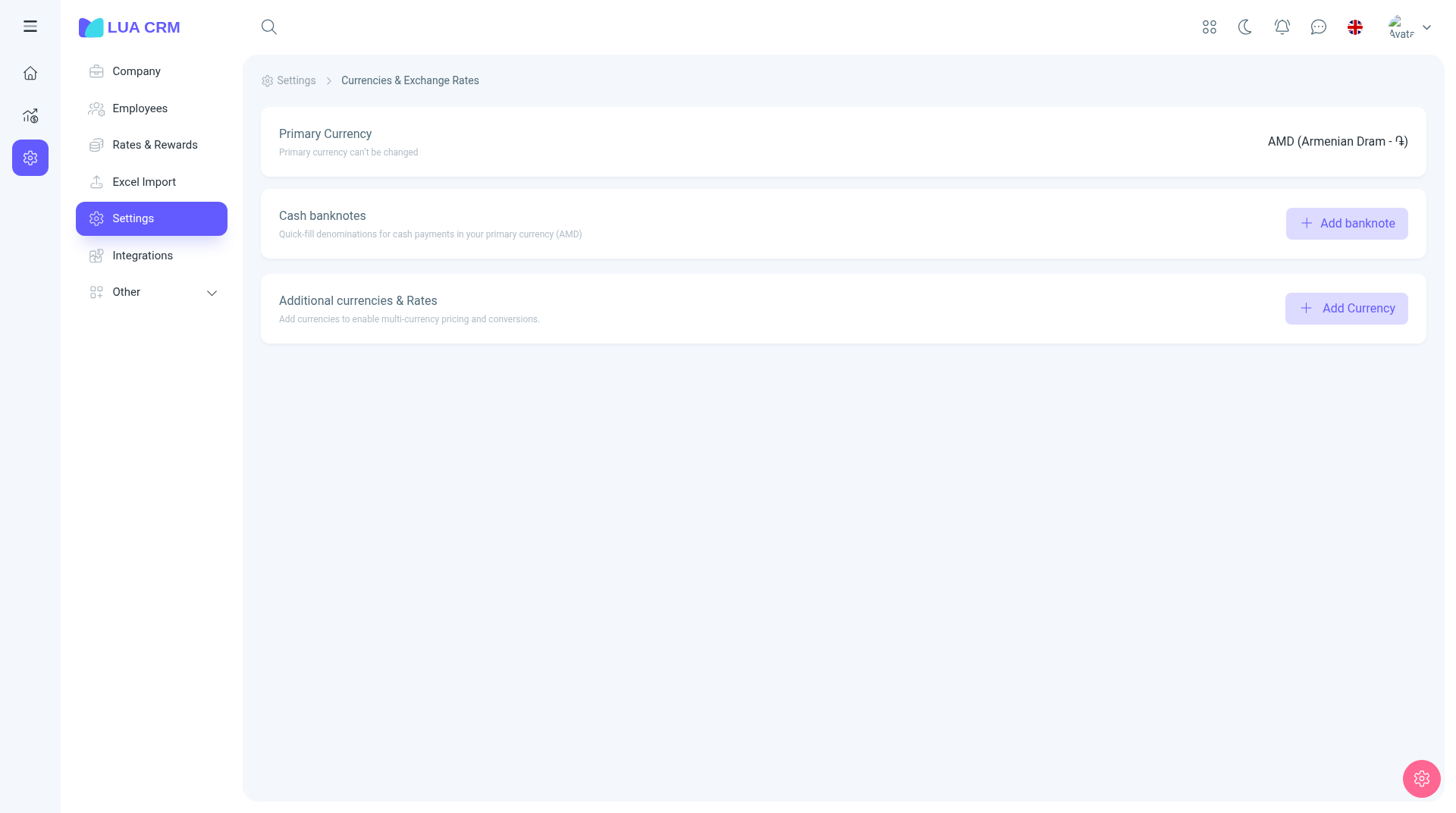
The primary currency is stored on the company profile (profile.currency_id). This screen shows it and does not offer a control to change it. The caption is the translation of primary_currency_cant_be_changed. In the BrightSmile Dental screenshots the primary currency is AMD (Armenian Dram). A company created with another currency, such as USD in another demo, shows that currency instead. Some helpers fall back to currency id 8, which the KPI page treats as AMD, only when a profile has no currency id.
Cash banknotes
Banknotes are quick amounts for cash payments in the primary currency only. Add banknote opens a form with one required field. The same control is labeled Add denomination in some translations.
| Field | Required | Rules |
|---|---|---|
| Denomination | Yes | Number, minimum 0.01, step 0.01. Rounded to two decimals. Zero or less is rejected with “Denomination must be greater than zero” |
The add form does not send ordering or status. The server stores the primary currency, status 1, and ordering 0. Opening a saved row lets you change the denomination or delete it. A banknote stored against a different currency cannot be edited or deleted here. The form does not reject a duplicate denomination. Inactive rows stay in the list with an inactive badge. The BrightSmile screenshot has none yet.
Additional currencies
Add Currency opens a form. Both rates are amounts of the primary currency.
| Field | Required | Notes |
|---|---|---|
| Currency | Yes | Searchable list. The primary currency is rejected. A currency already in the list is rejected. Edit locks this select |
| Current sell rate | Yes | Must be greater than zero, with the buy rate. The suffix is the primary currency code |
| Current buy rate | Yes | Same rule |
Saving a new currency also creates a cash wallet row and one account per branch that is active and not deleted. Editing a rate marks the old rate inactive and inserts a new active row.
A second tab, Exchange rates history, lists buy rate, sell rate, updated on, and updated by. The query is the latest 10 rows. The page prints those rates with six decimals. The actions menu can delete the currency. Delete is refused when a related account balance is not zero. When this form is opened from another page, the delete action is omitted.
Saved currencies are a comma-separated list in the profile setting additional_currencies. The latest active buy and sell rates appear as badges next to each currency, two decimals, in the primary currency code. A currency with no rate row shows 0.00 for both. The BrightSmile screenshot has no additional currencies yet.
Same-currency conversions use a rate of 1. When no rate is stored between two currencies, the conversion helpers return 1.
How to add a second currency
- Open Settings → Configurations → Currencies & exchange rates.
- Choose Add Currency.
- Pick a currency that is not the primary one, and enter a sell rate and a buy rate greater than zero.
- Save. Lua CRM also creates a cash wallet for that currency on each active branch.
- Open Wallets if that new wallet should be renamed or limited to some branches.
Related
- Wallets pick from the primary currency plus these additional currencies. See Company.
- A price list, an agent plan, and a loyalty plan each store one currency from this list.
- A document stores its own exchange rate against the company currency. Document templates print that rate with
{document_exchange_rate}. - A transfer between two currencies can set the rate for that one movement. See Finance.